Siteimprove Alternatives: 3 Options Compared (2026)


Siteimprove is the strongest pick for organizations that want accessibility folded into a single dashboard alongside SEO, content quality, and analytics, and have the budget and procurement runway for an enterprise contract.
Monsido (now sold as Acquia’s web governance suite) covers similar ground at a comparable price point, while Deque axe Monitor strips the concept down to pure sitewide scanning.
As for AccessibilityChecker.org, this is built for teams that want that same continuous, sitewide compliance coverage without a multi-module bundle or a sales cycle.
Let’s look at these Siteimprove alternatives in more detail, though.
Disclosure: AccessibilityChecker.org is one of the tools compared below. We’ve evaluated it with the same scrutiny as every competitor, including where it isn’t the better fit.
Siteimprove Alternatives: A Quick Comparison
| Tool | Best known for | Scan scope | Pricing model |
| Siteimprove | Enterprise digital governance (a11y + SEO + QA + analytics) | Full-site, scheduled crawling + extension for gated pages | Custom quote only, bundled by module. Third-party estimates run roughly $10K–$150K+/year depending on size and modules |
| AccessibilityChecker.org | Sitewide compliance monitoring with legal-risk prioritization | Full-domain crawl, staging/authenticated pages | Published self-serve pricing: $69–$249/domain/month billed annually. Custom “Tailored” plan for multiple domains or 2,000+ pages |
| Monsido (Acquia) | Multi-module website governance (a11y + SEO + QA + privacy) | Full-site scheduled crawl, CMS-embedded checks | Custom quote only. Buyer-reported figures typically land in the $5K–$60K+/year range depending on modules and page volume |
| Deque axe Monitor | Sitewide continuous scanning built on axe-core | Full-site, authenticated flows and complex apps | Custom quote, priced by monitored pages/URLs plus platform seats. Third-party benchmarks cite roughly $10K–$30K+/year |
Pricing above reflects publicly listed rates and third-party buyer-reported figures where available. Every enterprise-tier vendor on this list, including Siteimprove itself, requires a custom quote, so actual costs vary by contract.
An Overview of Siteimprove
Before looking at alternatives, here’s a quick grounding in what Siteimprove actually is and isn’t.
What it is
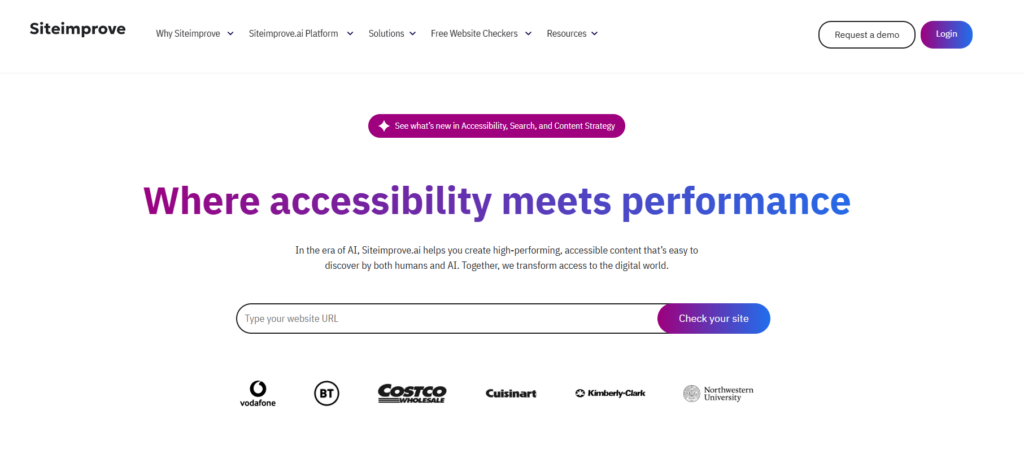
Siteimprove is a Denmark-founded digital governance platform that treats accessibility as one module inside a much larger suite. Beyond WCAG and ADA checks, the platform also covers SEO auditing, content quality assurance (broken links, spelling, outdated pages), policy compliance, and web analytics, all reported through the same dashboard.
What it’s for
Siteimprove is built for organizations where accessibility isn’t owned by a single developer or team, but shared across marketing, content, legal, and IT.
A scheduled crawl checks the site against current WCAG 2.1/2.2 and ACT rules, tracks how the numbers trend release over release, and surfaces issues to whichever department is responsible for fixing them, without every group needing to run a separate tool. A companion browser extension fills in gaps the background crawler can’t reach on its own, such as content behind a login or multi-step forms.
What it costs
Siteimprove doesn’t publish pricing anywhere. Every deal is quoted individually based on the number of pages monitored, which modules get licensed (Accessibility, SEO, Quality Assurance, Analytics, Policy, Content), user seat counts, and contract length.
Buyer-reported figures vary widely: some organizations pay roughly $10,000 a year for the accessibility module alone on a smaller site, while large enterprises running the full suite have reported costs well past $150,000 annually. Multi-year commitments commonly bring meaningful discounts, but getting to a number at all means going through sales rather than signing up on a pricing page.
What it doesn’t do well out of the box
Because accessibility is one tile among several, teams that only care about WCAG compliance often end up paying for SEO and QA capacity they never touch.
The platform is also automated-scan-first, so it’s strong at flagging and trending issues over time, but manual testing and hands-on remediation are handled through separate expert-audit services rather than built into the core subscription. And with no published pricing or self-serve signup, even a small pilot means starting a sales conversation rather than running a scan.
Top 3 Siteimprove Alternatives
1. AccessibilityChecker.org
AccessibilityChecker.org covers the same sitewide, ongoing compliance need Siteimprove’s accessibility module is built for, minus the multi-module bundle and the procurement cycle.
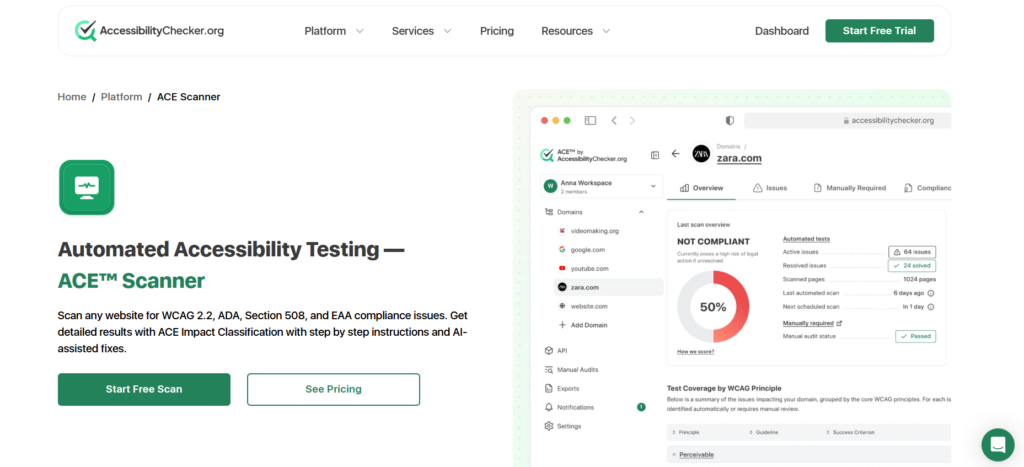
How it works: Point the testing engine at a domain or sitemap and it crawls every reachable page, testing against 100+ rules covering WCAG 2.2, ADA, Section 508, the EAA, and EN 301 549. Results roll up into a single accessibility score, with each issue tagged by AccessibilityChecker.org‘s proprietary Impact Classification (Legal Risk, User Impact, or Best Practice) so remediation doesn’t fall entirely on whoever opens the report. Recurring issues found across many pages get grouped into one fixable pattern instead of generating hundreds of near-duplicate tickets.
Strengths: Scheduled rescans, alerts, and support for authenticated or staging pages are included from the entry tier, and pricing is published and self-serve, so a team can start monitoring a domain the same day rather than waiting on a quote. AccessibilityChecker.org also includes guided manual-testing procedures for the checks automation alone can’t fully resolve, something Siteimprove only offers as a separate paid audit engagement.
Limitations: AccessibilityChecker.org is purpose-built for accessibility, so if a team genuinely wants SEO, content QA, and analytics inside the same dashboard, they’ll still be running separate tools for those. Pricing is per domain with URL caps per tier, so very large or high-page-count portfolios need the custom “Tailored” plan rather than the flat self-serve rate.
Best for: Teams that want Siteimprove’s ongoing, sitewide accessibility coverage and legal-risk prioritization, but don’t want to buy (or pay for) the SEO and content-quality modules along with it.
2. Monsido (now Acquia Web Governance)
Monsido, acquired by Acquia and now sold as part of Acquia’s web governance line, is the closest like-for-like match to Siteimprove on the market: a bundled platform covering accessibility, SEO, content QA, and data-privacy scanning in one dashboard.
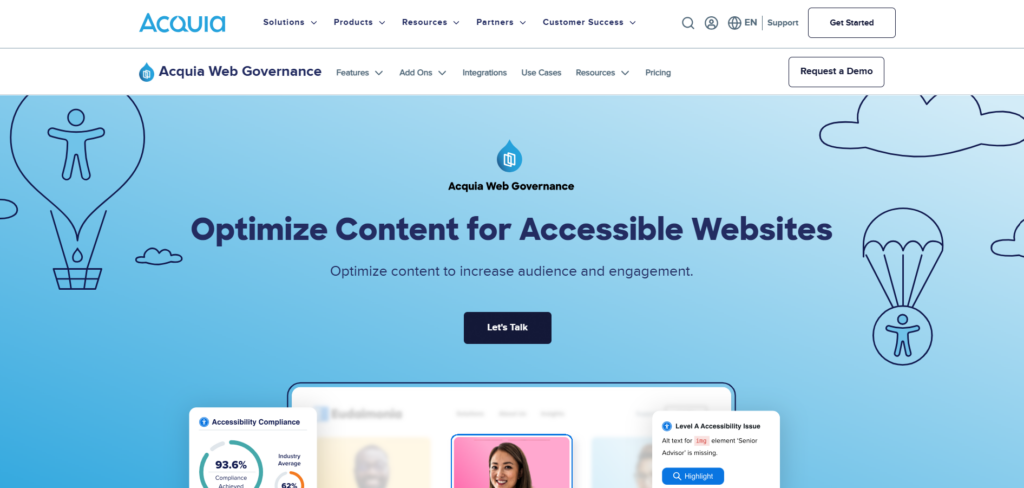
How it works: Automated crawls flag accessibility issues against WCAG 2.1 AA, alongside outdated content, broken links, spelling errors, and privacy-policy gaps, with everything prioritized and routed to the relevant team. A “PageAssist” toolbar layer offers visitors optional personalization controls, and bulk-fix tooling helps clear repeated issues (like consistently missing alt text) across many pages at once.
Strengths: Buyers moving off Siteimprove often cite Monsido as a genuinely comparable alternative rather than a downgrade: similar breadth, similar dashboard polish, and CMS integrations (WordPress, SharePoint, Shopify, and others) that keep non-technical stakeholders in the loop.
Limitations: Pricing is quote-only, and while third-party estimates suggest it can land somewhat below Siteimprove for comparable scope, it’s still a multi-module enterprise contract, not a self-serve tool. Teams that only need accessibility face the same “paying for modules you don’t use” problem Siteimprove buyers run into.
Best for: Organizations that specifically want a second, comparably-scoped quote to Siteimprove’s before signing, or that are already inside Acquia’s ecosystem and want the governance suite to sit alongside it.
3. Deque axe Monitor
Deque axe Monitor is the sitewide monitoring counterpart to Deque’s better-known developer tool, axe DevTools, built on the same axe-core engine that powers accessibility checks across a large share of the industry.

How it works: Rather than testing one page you point it at, axe Monitor continuously scans an entire website or application on a schedule, including pages behind authentication and complex, dynamic flows. It tracks issue trends, regressions, and improvements over time, and a Jira integration turns flagged violations directly into tickets for a dev team to action.
Strengths: Because it inherits axe-core’s ruleset and Deque’s “zero false positives” commitment, teams already using axe DevTools for developer-side checks get a continuous, sitewide layer that speaks the same language and reuses the same detection engine, rather than reconciling results from two unrelated tools. It’s also purpose-built for accessibility specifically, without SEO or content-QA modules bundled in.
Limitations: Like most of the tools on this list, pricing isn’t published. It’s quoted by monitored pages and platform seats, and buyers still go through a sales process to get a number. It also skews toward dev/QA-facing reporting rather than the cross-department, exec-friendly dashboard that’s often the actual reason organizations choose Siteimprove in the first place.
Best for: Engineering-led organizations that already rely on axe-core tooling and want sitewide, continuous accessibility monitoring without adopting an unrelated detection engine or a broader governance bundle.
The Honest Caveat
No matter which vendor’s logo is on the dashboard, automated scanning tops out at an estimated 20–40% of WCAG violations. Judgment calls like whether focus order actually makes sense, whether a screen reader user can complete a task, or whether content reads as genuinely understandable in context still require a human tester, and that’s true whether the scan comes from a $69/month tool or a six-figure enterprise contract.
Siteimprove, Monsido, and axe Monitor are all built around continuous automated detection first, with manual testing available as a separate paid service on top.
AccessibilityChecker.org sits closer to a hybrid model: guided manual-testing procedures are included so a team can run the checks automation can’t finish, and an optional expert audit is available if you’d rather AccessibilityChecker.org’s own specialists do it for you.
Whichever platform ends up on the shortlist, an automated scan is a strong first pass, not proof of compliance on its own.
Want to see where your site stands? Run a free scan with AccessibilityChecker.org →