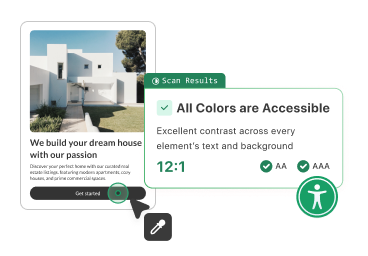
Check Your Site’s Color Contrast for Free
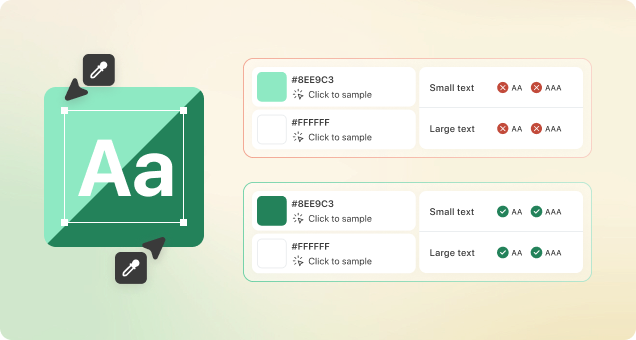
| Text Size | AA (Minimum) | AAA (Enhanced) |
|---|---|---|
| Small text | ||
| Large text |
Small text = regular weight below 16px, large text = bold weight above 18px.
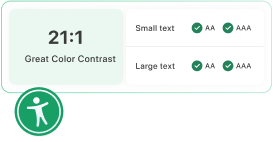
Website visitors with visual disabilities need to be able to distinguish between your content and the background of your site – this is where color contrast comes in.
Providing visitors with a more accessible online experience is the ethical thing to do. However, there is another key reason why you want to ensure that your site meets WCAG color contrast requirements.
Learn more about ADA Color Compliance for Your Website and ADA compliance.
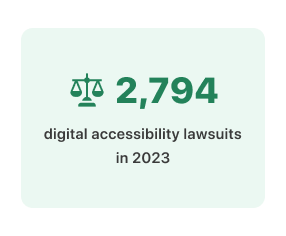
In 2023, 2,794 digital accessibility lawsuits were filed in US federal courts. Taking a proactive approach to check the color contrast on your site will protect you against demand letters, costly lawsuits, and a damaged reputation.
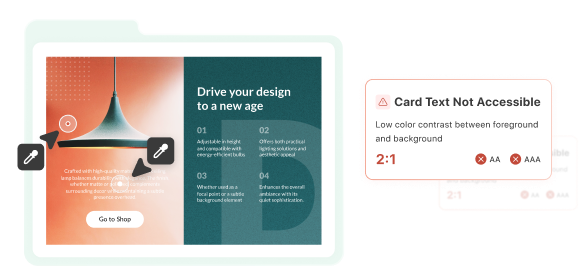
A color contrast checker is a versatile tool for testing web pages, infographics, slideshows, and more. It’s essential for web designers and business owners, providing a better user experience for all, including those with visual disabilities.