- Categories (3)
- Guides - Platform
- Legislations
- Technical
The Best AI Agents in 2026: 9 Picks That Actually Get Work Done


On August 9, 2026, OpenAI switched off its AI browser, ChatGPT Atlas.
It had launched less than a year earlier, with an agent mode that could click through websites for you. OpenAI folded those agent features into a new ChatGPT desktop app instead.
That was one big shift in AI agents this year: they moved inside the tools you already use. The other was a wave of brand-new, always-on agents. Between August and October, Meta, OpenAI, xAI, Hark and Instinct all launched agents that keep working on their own cloud computers while you get on with your day.
Which makes picking the best AI agent harder than it sounds. Every big AI company now has one, and they all claim to “get work done for you.”
So this list is deliberately short. Nine agents, each the best at one job, with what it costs and where it falls down.
At the end, we’ll show you the one thing every agent on this list has in common, and why it matters if you run a website.
The Best AI Agents at a Glance
Short on time? Here’s the whole list in one table. Prices are in USD as of October 2026.
| Agent | Best for | Free option | Paid from |
|---|---|---|---|
| Meta Muse | Everyday errands and life admin | Yes (US only) | $20/mo (Power) |
| OpenAI Dots | Always-on work for ChatGPT users | No | ChatGPT Pro, from $100/mo |
| Hark Pro | Getting things done on websites | Yes | $20/mo |
| Grok Bot | Running a team of agents | No | Bundled in plans from $120/mo |
| Instinct | Texting tasks to an agent | Free, invite-only | Not yet published |
| Claude (Cowork + Claude in Chrome) | Tasks across your browser and files | No | $20/mo (Pro) |
| Gemini Spark | People who live in Gmail and Google Docs | No | $19.99/mo (Google AI Pro) |
| Microsoft 365 Copilot Cowork | Companies on Microsoft 365 | No | $30/user/mo + usage credits |
| Claude Code | Software development | No | $20/mo (Claude Pro) |
If you only try one, start with the agent that matches the apps you already use every day: Muse if you live in WhatsApp, Dots if you live in ChatGPT, Gemini Spark for Google and Copilot Cowork for Microsoft.
What Counts as an AI Agent?
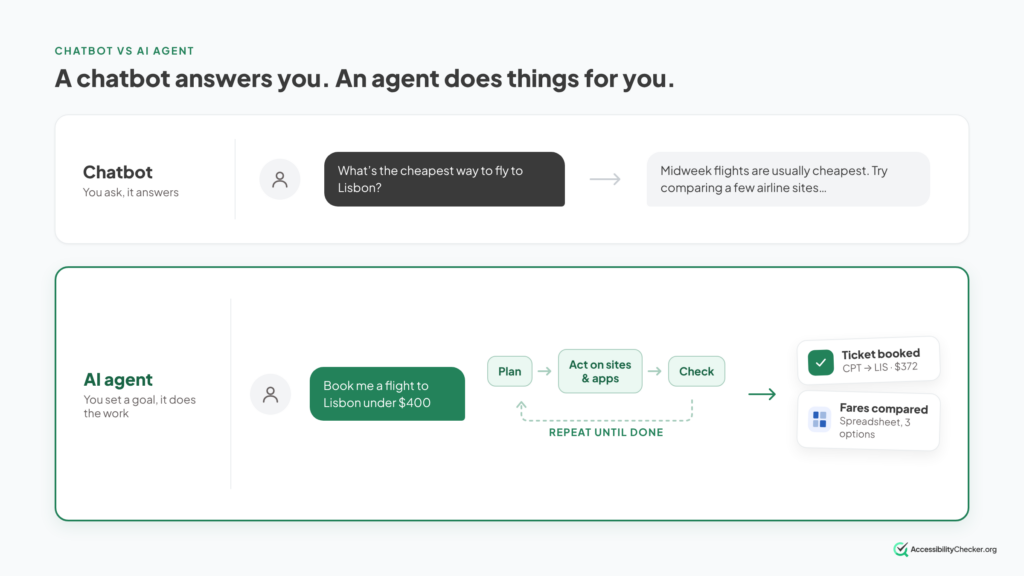
A chatbot answers you. An AI agent does things for you.
You give an agent a goal, like “find me three flights under $400 and hold the best one.” It plans the steps, opens websites, clicks, types, checks its own work, and comes back with a result.
Some agents work in a browser you can watch. Others run in the cloud while your laptop is closed.
How we picked these nine
Every agent on this list had to pass four tests:
- It takes action. It can use websites or apps on its own, not just write text.
- It’s live. Every agent here has launched. Where one is still invite-only.
- It has a clear job. Each pick is the best at one thing, so the list doesn’t repeat itself.
- The cost is clear. Where a company hasn’t published its prices yet, we say so.
We compared features, pricing, availability and independent reviews. We didn’t run lab benchmarks, and we’ve linked the sources so you can check them.
We also left out developer frameworks like LangGraph and CrewAI. They’re for building agents from code, which is a different decision.
Top 9 AI Agents of 2026
1. Meta Muse: Best Personal Agent for Everyday Errands
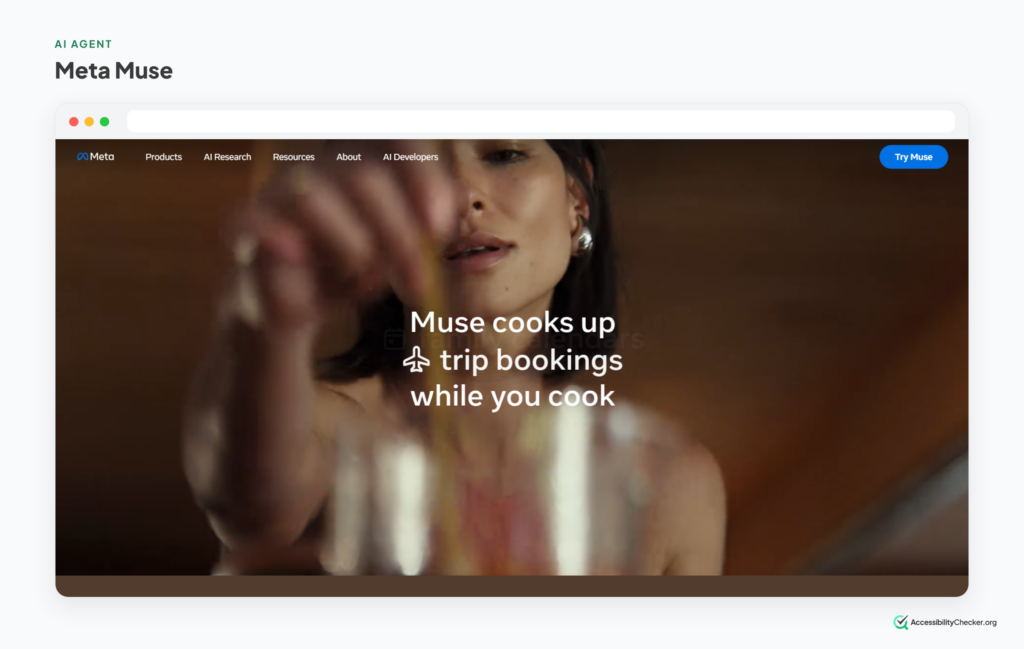
Muse is Meta’s personal AI agent, and it’s the one everybody has been talking about since it launched on September 8, 2026.
It connects to your email, calendar, payments, shopping and smart home apps, then gets on with your errands. Meta’s examples include booking travel, lowering bills, filling out forms and turning recipe reels into grocery lists.
You can use it in the Muse app, on the web, on a Mac, or straight from a WhatsApp chat. That last one is a big part of why it caught on so fast. Sensor Tower estimated more than 2.5 million US downloads in its first two weeks.
Muse works on a dedicated cloud computer with its own browser, and it asks before it spends money or sends a message on your behalf.
What it’s good at
- Everyday personal admin: bills, bookings, forms and shopping.
- People who already spend their day on WhatsApp.
- Trying a capable agent without paying.
Watch out for
It’s US only, and for over-18s, for now. You need to add a payment card even for the free plan. And it’s Meta. TechCrunch’s launch coverage asked whether people will trust the company with their email and payment details, given its privacy record.
Pricing: free, with weekly usage limits. Power is $20/month and Maximum is $100/month. The plans differ only in how much you can use it.
Best for: anyone in the US who wants an agent for everyday life admin.
2. OpenAI Dots: Best Always-On Agent for ChatGPT Users
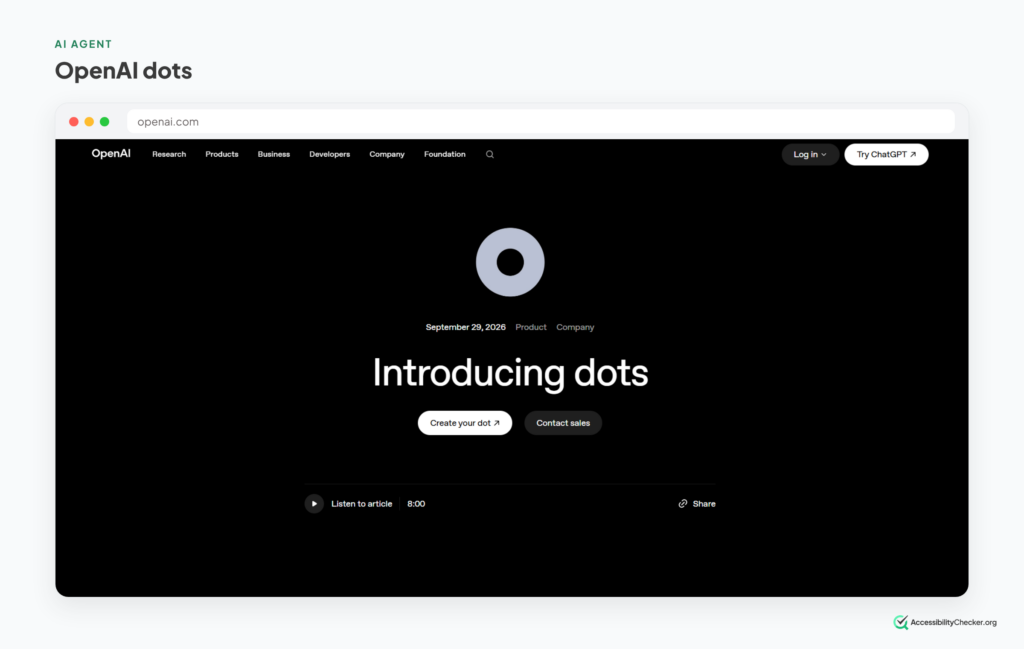
Dots are OpenAI’s answer to Muse. OpenAI unveiled them at its DevDay conference on September 29, 2026.
A “dot” is a personal agent that runs on its own cloud computer, working toward goals you set. It can browse the web, use your connected apps, create files and keep track of a project over days, not minutes.
You start one from ChatGPT or Codex, and you can message it from Slack or Teams. Text message support is on the way.
OpenAI has put safety front and center. By default, a dot will draft a message but won’t send it until you say so, and it hands control back to you before consequential payments.
Not on a top-tier plan? The closest thing is ChatGPT Work, OpenAI’s agent for long, multi-step jobs. It launched in July and is included in ChatGPT plans from Plus upward.
What it’s good at
- Long-running projects that need regular attention, like tracking customer feedback or rerunning a weekly report.
- Teams that work in Slack or Microsoft Teams.
- People who already use ChatGPT for most of their work.
Watch out for
Access. Dots are only on top-tier plans for now, and OpenAI is starting with a smaller group of its most loyal users before opening up further.
Pricing: included with ChatGPT Pro (from $100/month) and Business Premium. ChatGPT Work is included from Plus ($20/month).
Best for: heavy ChatGPT users who want an agent that keeps working when they don’t.
3. Hark Pro: Best at Browsing the Web
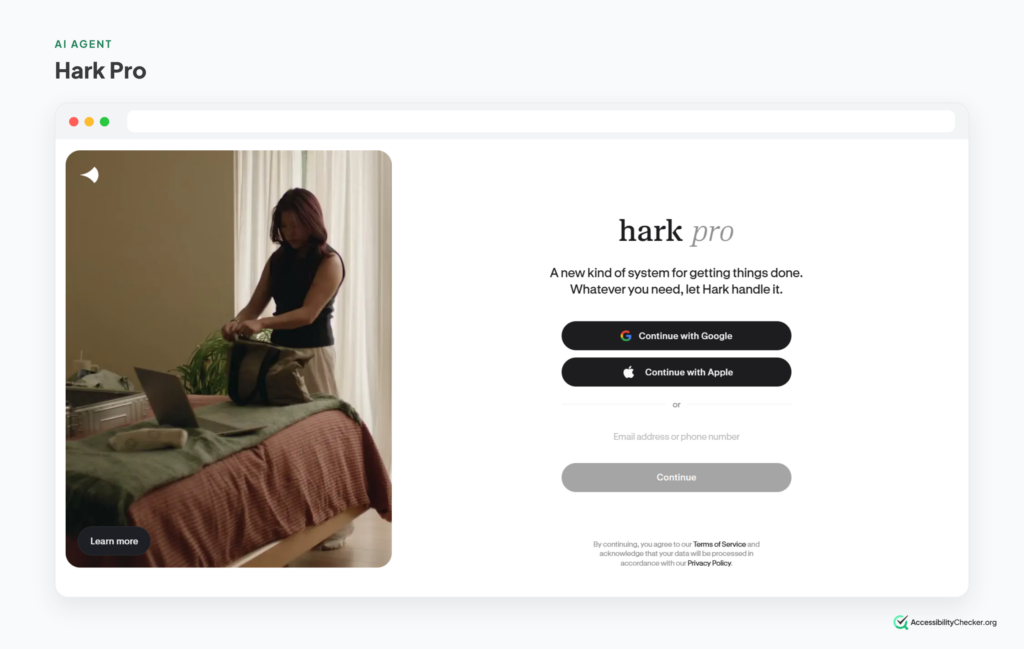
Hark is the newest name on this list. It comes from Brett Adcock, the founder of humanoid robot company Figure, and it went live on the web, iOS and Android on October 6, 2026.
Its big claim is web browsing. In August, Hark previewed Handoff, its agent for using websites, and reported a 97.7% score on Online-Mind2Web. That’s a benchmark where people check whether an agent actually finished each task, and Hark narrowly beat the previous best.
Hark Pro wraps that agent in a personal assistant. It remembers what you tell it, suggests things to do based on your connected accounts, and shows you a browser window while it works.
What it’s good at
- Buying, booking and filling in forms on websites.
- Seeing exactly what the agent is doing as it works.
- Proactive suggestions, instead of waiting for you to ask.
Watch out for
It’s brand new, so there’s little real-world track record yet. Its benchmark results were also mixed outside its headline test: it trailed GPT-5.5 on another browsing benchmark. Read the terms, too. Hark can store your logins and card details for other sites, and you’re responsible if a site bans your account for automated activity.
Pricing: free to try on the web, iOS, and Android. Paid tiers come in at $20 and $100 a month for higher usage limits.
Best for: early adopters who want a strong web-browsing agent and don’t mind being first in line.
4. Grok Bot: Best for Running a Team of Agents
Grok Bot (often searched as “Grokbot”) is xAI’s always-on agent. It launched in August 2026.
You don’t just get one agent. You can run as many as you like, each with its own name and job.
They all share one persistent cloud computer with a browser, files and a terminal, so they can pass work to each other and keep going while your laptop is off.
Two features stand out. “Teach a task” lets you record yourself doing something once and turn it into a reusable skill. And routines run your Bots on a schedule, or when something happens, like a new Slack message.
What it’s good at
- Several agents working on separate jobs and handing off to each other.
- Repetitive workflows you can show it once.
- Jobs that run overnight or on a schedule.
Watch out for
The price of entry. There’s no free tier and no standalone plan. It’s bundled into SuperGrok Heavy and Cursor’s top plans. Most claims about it still come from xAI itself, and there’s no Android app yet.
Pricing: included with SuperGrok Heavy, Cursor Ultra ($200/month) and Cursor Teams Premium ($120 per seat/month).
Best for: power users and small teams who want to build their own crew of agents.
5. Instinct: Best Agent You Just Text
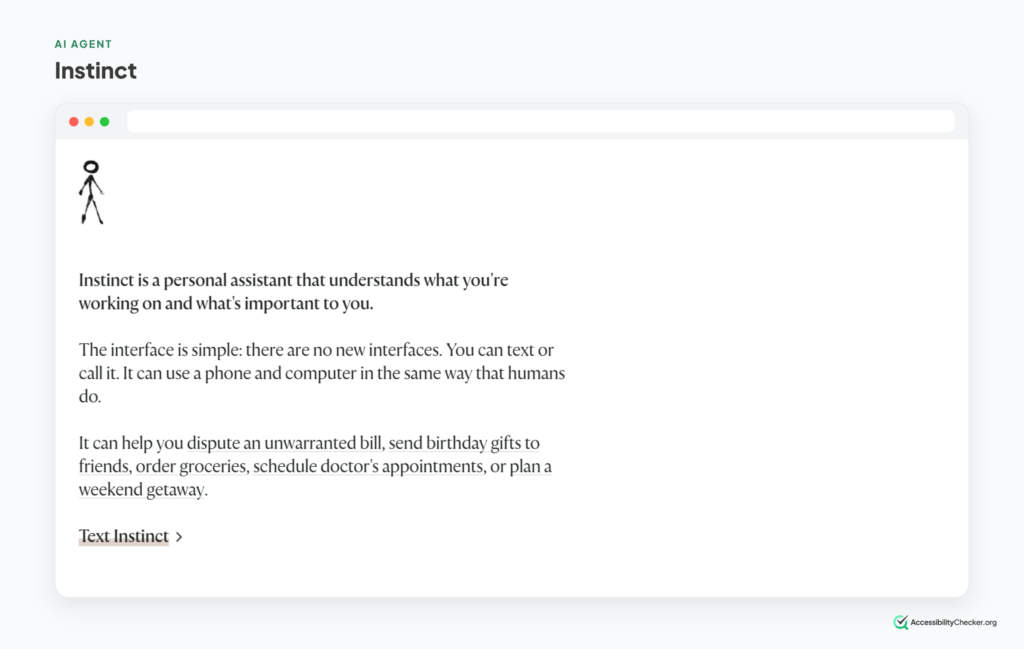
Instinct has no app. You text it on iMessage or WhatsApp, or call it, and it gets the job done using its own phone number and computer.
That simplicity made it one of the most talked-about launches of the year. Instinct raised $1 billion at a $10 billion valuation in September, barely a month after its invite-only launch.
It books restaurants and travel, pays bills, cancels subscriptions and orders groceries. It can even phone businesses that don’t take online bookings. And a new feature adds it to group chats to plan trips or potlucks for everyone, including friends who don’t use Instinct.
What it’s good at
- People who would rather text than open another app.
- Dealing with businesses that only take bookings by phone.
- Planning with friends in a group chat.
Watch out for
You probably can’t use it yet. Instinct is still invite-only, with a waitlist and no public timeline. Its first privacy policy was also criticized for asking too much and has since been updated.
Pricing: free for now. Instinct hasn’t published prices.
Best for: getting on the waitlist now if you want the most hands-off agent on this list.
6. Claude: Best for Working in Your Browser and Files
Anthropic’s Claude works as an agent in two places at once: on your computer and in your browser.
On your computer, Claude can read, edit and create files in a folder you choose and work through multi-step tasks on its own.
In your browser, the Claude in Chrome extension became generally available on August 26, 2026. It can read pages, click links, move between pages and fill in forms, using the logins you already have.
The same day, Anthropic gave Claude a built-in browser of its own, separate from yours. That’s useful when a task needs “a browser” but not your personal one.
What it’s good at
- Jobs that mix local files and websites, like turning a folder of receipts into an expense report.
- Internal dashboards, vendor portals and older systems that have no API.
- Picking up the same task on desktop, web and mobile.
Watch out for
Claude in Chrome needs Google Chrome itself. Other Chromium browsers and mobile aren’t supported. And like every browser agent, it can be targeted by hidden instructions on web pages. Anthropic has added defenses but says the risk isn’t zero.
Pricing: paid Claude plans only, from $20/month (Pro).
Best for: people who want an agent that can work across their own files and the websites they use for work.
7. Gemini Spark: Best for Google Users
Gemini Spark is Google’s “24/7 personal agent,” announced at Google I/O in May 2026.
The big difference from most agents: it keeps working when you don’t. Spark runs on Google’s cloud, so it carries on even when your laptop is closed, and it connects to Gmail, Docs and Sheets with no setup.
You can also give it recurring tasks and teach it new skills, so the same job runs on a schedule without you.
On the web, Google’s agent works through Chrome. Chrome’s “auto browse” feature can research options, fill in online forms and add items to your cart, and it pauses to ask before sensitive actions like purchases.
What it’s good at
- Inbox and calendar chores, like sorting school emails or chasing replies.
- Background jobs that need to run while you’re offline.
- Shopping and booking tasks inside Chrome.
Watch out for
Availability is patchy. Spark isn’t currently offered in the EEA, the UK, Switzerland or Nigeria, and some Chrome agent features are still US-first. This might change soon, though.
Pricing: Google AI Pro ($19.99/month) or above. It’s not included in the free plan or AI Plus.
Best for: people whose working life already runs on Gmail, Google Docs and Chrome.
8. Microsoft 365 Copilot Cowork: Best for Microsoft Teams
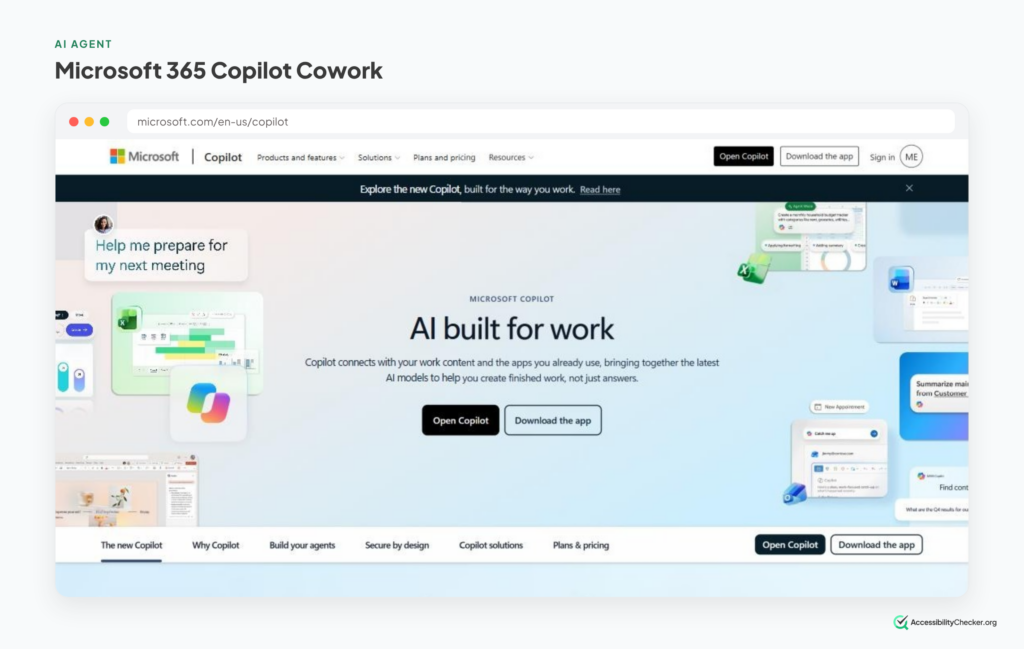
If your company runs on Outlook, Teams, Word and Excel, this is the agent that already sits inside them.
Copilot Cowork became generally available worldwide on June 16, 2026. It takes on long, multi-step tasks across Microsoft 365, like preparing a review pack from emails, files and meeting notes.
It stays inside your company’s Microsoft 365 security boundary and only sees what you already have access to. That matters a lot to IT and compliance teams.
Alongside it, Copilot’s Researcher agent now uses two AI models, one to write a report and one to critique it.
What it’s good at
- Work that spans email, calendar, documents and Teams chats.
- Organizations that need admin controls and an audit trail.
- Recurring office work, like meeting follow-ups and weekly briefings.
Watch out for
The cost. Cowork needs a Microsoft 365 Copilot license, and each task is billed on top of that in Copilot Credits. Admins also have to switch it on before anyone can use it.
Pricing: $30 per user per month for Microsoft 365 Copilot, plus usage-based credits at $0.01 each.
Best for: businesses already paying for Microsoft 365 that want an agent their IT team will approve.
9. Claude Code: Best AI Agent for Coding
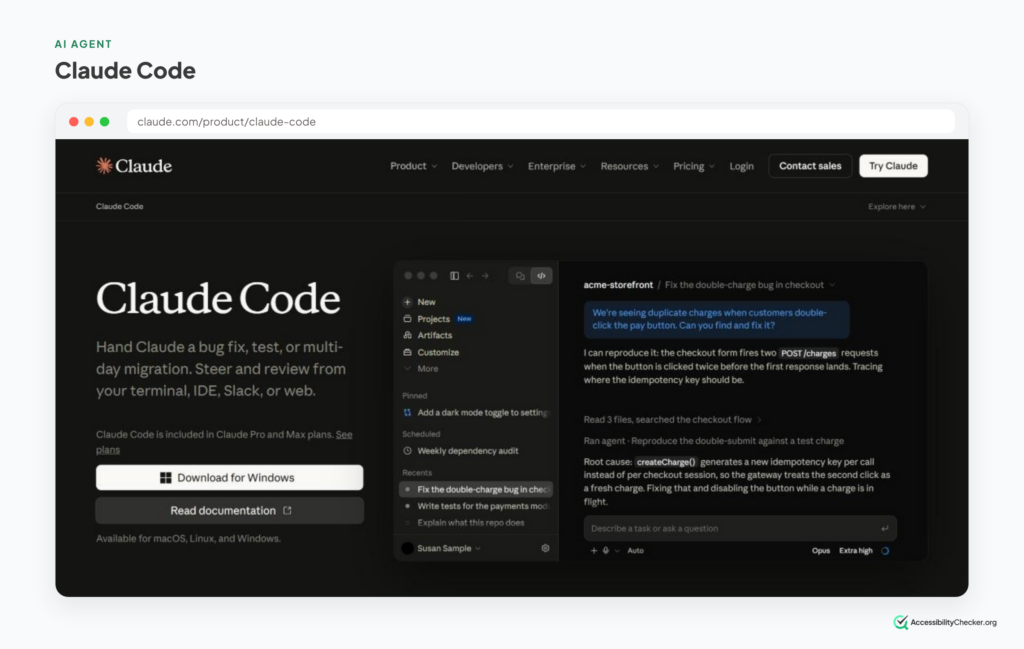
Coding is where AI agents are most mature, and Claude Code is the pick most independent reviewers land on.
It’s Anthropic’s coding agent. It works in your terminal, where it searches your code, edits files, runs tests and commits to GitHub.
An August 2026 roundup called it the best default for serious software engineering, and others reach the same verdict for hard, multi-file work.
One feature matters for web teams in particular: Claude Code can drive Chrome to test web apps, read console logs and fill in forms. That makes it handy for checking your own site the way an agent sees it.
What it’s good at
- Large refactors that touch many files at once.
- Fixing bugs from an error message to a finished pull request.
- Testing websites and web apps in a real browser.
Watch out for
The $20 Pro plan runs out fast with heavy daily use. Developers who use it all day usually move to a Max plan.
Pricing: included with paid Claude plans: Pro at $20/month, Max at $100 or $200/month.
Best for: developers who want an agent to take on whole tasks, not just autocomplete.
Good alternatives: OpenAI Codex, now part of the ChatGPT desktop app, is strong for handing off tasks to run in the cloud. Cursor suits developers who’d rather have the agent inside their code editor.
What Every AI Agent Needs From Your Website
Look back at that list and you’ll notice something.
Nearly every agent on it ends up on somebody’s website. Booking the flight. Comparing the quotes. Filling in the form. Adding to cart.
And none of them see your site the way you do.
Google’s own guide to building agent-friendly websites says agents understand a page in three ways: screenshots, the raw HTML, and the accessibility tree.
That last one is the same structure screen readers use. It strips your page down to what each element is (a button, a link, a form field), what it’s called, and what state it’s in.
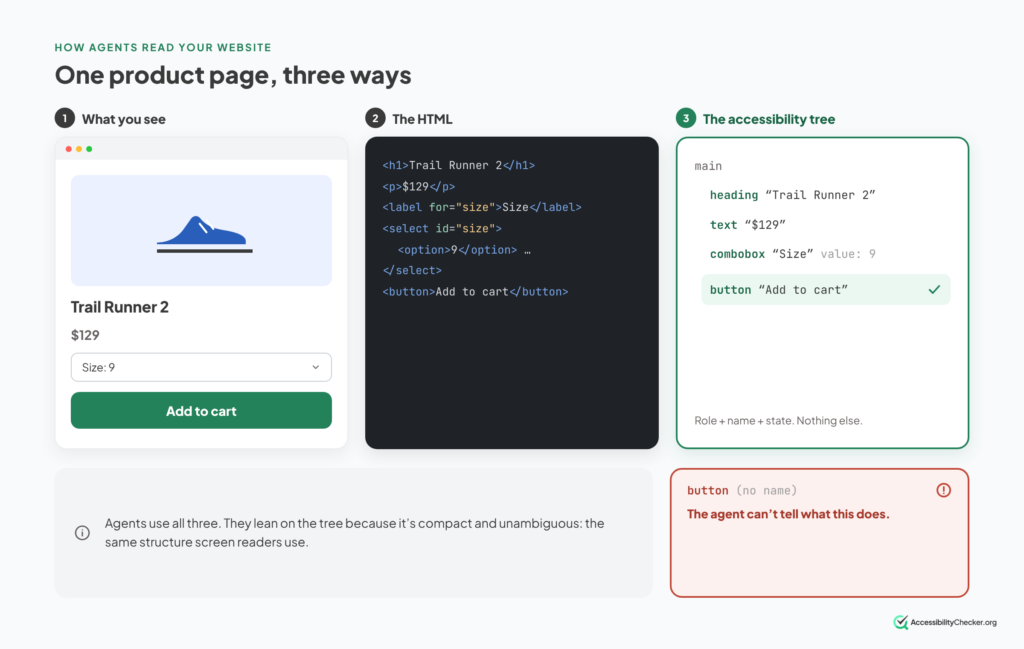
Agents lean on the tree because it’s compact and unambiguous. Perplexity’s Comet browser combines accessibility tree snapshots with selective vision, and Microsoft’s browser automation tooling uses the tree instead of screenshots.
So the things that trip up screen reader users trip up agents too:
- Buttons and icons with no accessible name.
- Dropdowns built from plain divs instead of real form controls.
- Prices and stock that only appear after JavaScript runs.
- Form errors that are only shown in red, never announced.
In Google’s words, everything that makes a site “agent-ready” also makes sites better for humans.
To be clear, that’s not why you should make your site accessible. The people who use screen readers and keyboards are reason enough on their own.
But if you’ve already done that work, you’ve done most of the agent-readiness work too. If you haven’t, the agents on this list are about to find the same gaps your users already do.
PRO TIP: You can see your page the way an agent does in about a minute. Open Chrome DevTools, go to the Elements panel, and turn on the full-page accessibility tree. Then find your main button, like “Add to cart” or “Book now,” and check it has a clear name.
Want to go deeper? Start with The Accessibility Tree, Explained, then read our guides to agentic commerce and WebMCP.
How to Choose the Best AI Agent for You
You don’t need to compare benchmarks. Four questions will get you to the right pick.
1. Where does your work already live?
This matters more than anything else. An agent is only as useful as the apps it can reach. Google Workspace points to Gemini Spark, Microsoft 365 to Copilot Cowork, ChatGPT to Dots or ChatGPT Work, and WhatsApp to Meta Muse.
2. Should it use your logins?
Agents in your own browser, like Claude in Chrome and Chrome auto browse, can use the accounts you’re already signed into. That’s convenient, but it also means a mistake happens in your real accounts. Agents with their own cloud computer, like Muse, Dots, Grok Bot and Hark, are safer.
3. How often will it run?
Almost every agent meters usage, through plan limits, credits or per-task billing. A few tasks a week fits a $20 plan. Daily, hours-long runs usually don’t.
4. What does a mistake cost?
Keep the agent’s approval step switched on for anything that spends money, sends messages or deletes data. Any agent that browses the web can be fooled by hidden instructions on a page.
PRO TIP: Start with a free tier or the agent built into a tool you already pay for. Give it one real, repetitive task for a week. You’ll learn more from that than from any “best AI agents” list, including this one.
Best AI Agents FAQs
Which is the best AI agent currently?
There isn't one winner. Meta Muse is the best-known new personal agent, OpenAI's Dots is the strongest choice for ChatGPT users, and Hark leads on web-browsing benchmarks. If you work in Google Workspace or Microsoft 365, the agent built into those tools will usually serve you better.
Who are the big 4 AI agents?
There's no official list. Most people mean the agents from the four biggest AI platforms: OpenAI's ChatGPT, Google's Gemini, Anthropic's Claude and Microsoft's Copilot.
What is the best free AI agent?
Meta Muse, if you're in the US. Its free plan has weekly usage limits and needs a payment card on file. Hark Pro is also free to try, and Instinct is free for now if you can get an invite.
What are the best AI agents for business?
Microsoft 365 Copilot Cowork for companies on Microsoft 365, OpenAI's Dots for teams on ChatGPT Business Premium, and Grok Bot for small teams that want to run several agents together.
What happened to ChatGPT Atlas?
OpenAI shut the Atlas browser down on August 9, 2026. Its agent features moved into the ChatGPT desktop app, a ChatGPT Chrome extension and a cloud browser that runs on OpenAI's servers.
Are AI agents safe to use?
They're safe enough for low-stakes tasks, with care. The main risk is hidden instructions on web pages that try to hijack the agent. Researchers recently tricked six AI browsers into leaking user credentials, so keep approvals on for payments and sensitive accounts.
Can AI agents use any website?
Not reliably. Agents do best on sites with clear structure: real buttons, labelled form fields and content that loads without waiting on scripts. Sites that are hard for screen reader users are usually hard for agents too.